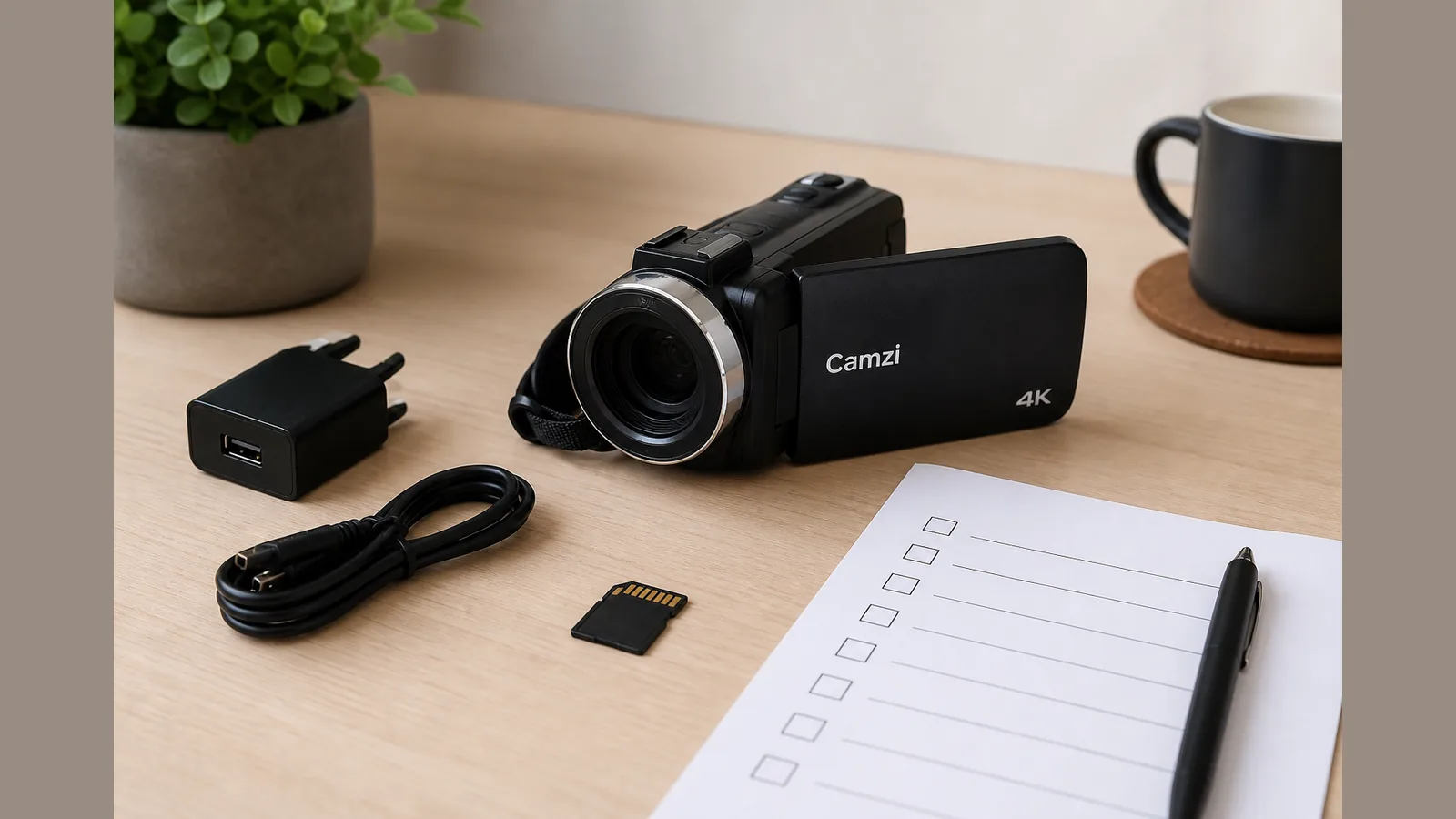
camcorder first use checklist charge format SD
A practical camcorder first use checklist charge format SD routine is simple: charge and insert the battery safely, format a suitable SD card in the camcorder, set language, date and resolution carefully, attach the kit microphone and LED without blocking the flip screen, then run a short test record before any real shoot.
Charge and insert battery safely
Before you film, fully charge the battery and seat it until it clicks. Power the camcorder on only after the battery is secure, so you avoid mid-setup shutdowns on your first day.
- Charge with the supplied charger until the indicator shows a full charge.
- Insert the battery with the contacts aligned; never force the door closed.
- Keep a spare charged battery if you expect a long school event or vlog session.
Choose and format a suitable SD card
An SD card stores photos and video on camcorders and similar devices, and cards vary in size and speed to suit different cameras. Format a new card in the camcorder before first use so the device can create the directory structure it needs to organise clips.
Formatting in the camera also helps reduce the risk of data corruption compared with relying on an unformatted card. Transfer any files you need to keep elsewhere first, because formatting erases the card.
- Insert a compatible SD card and close the door firmly.
- Open the camcorder menu and choose the format option for the memory card.
- Confirm the prompt only after you have backed up anything important.
If you are preparing for a UK school event or a first vlog, complete this format SD card before first camcorder shoot UK step before you leave home.
Set language/date and resolution carefully
Set the on-screen language and the correct date and time so filenames and timestamps make sense later. Then choose a video resolution that matches how you will share the footage, without changing settings you do not understand.
- Confirm UK date format and the correct time zone if offered.
- Pick a resolution suitable for your sharing platform; leave advanced encoding options alone unless your manual explains them.
- Note that zoom on kit such as a 4K video camera camcorder with 42MP stills and 18X digital zoom is digital only—do not treat it as optical zoom when framing.
Attach kit mic/LED without blocking flip screen
Many first-day kits include a microphone and LED light. Fit them so the 3.0 inch 270° flip screen can still open and rotate for selfie-style framing.
- Mount the microphone so cables do not foul the screen hinge.
- Position the LED for even front light without covering the lens or screen path.
- Use this attach mic and LED before first vlog check whenever you rebuild the kit after packing.
30-second test record workflow
Run a brief test record before school event filming so you catch problems while you still have time to fix them.
- Frame a familiar subject and record about 30 seconds of talking and room sound.
- Playback on the flip screen and listen with headphones if you have them.
- Confirm focus, exposure, audio level and that the SD card is writing clips as expected.
- Delete the test clip only after you are satisfied, or leave it as a reference.
Common first-day mistakes
- Skipping in-camera formatting on a brand-new SD card.
- Leaving date or language wrong, which confuses later file sorting.
- Blocking the flip screen with the mic or LED mount.
- Assuming digital zoom behaves like optical zoom when framing distant subjects.
- Arriving at an event without a completed test record.
FAQ and CTA
Why format the SD card in the camcorder?
Formatting lets the camcorder build the folder structure it uses to store photos and videos, which is especially important the first time you use a new card.
Should I format on a computer instead?
For camera use, formatting in the camcorder itself is the safer habit so the card matches what the device expects.
What should I check in the test clip?
Picture, sound, and that the file appears on the card after recording—fix those before any live event.
Ready to put this checklist into practice with a WiFi-ready vlogging camcorder that includes microphone and LED light options? Review the current product details for the FIREFOTO 4K vlogging camera and confirm the kit matches your first-shoot plan.